THE PLAYBOOK · MASYYSP
Play Slitherlink with the rules at hand
Take a moment with Slitherlink before moving to another game. Draw one closed loop whose edges match the count around every numbered cell. Check the relevant rule before repeating a move. Compare the starting position with the example in the Guide. Use the example below to understand a decision.
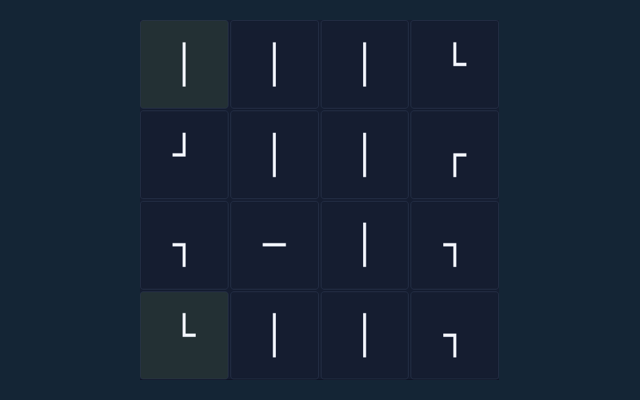
Ten 4×4 loop puzzles with all cell clues shown.
Practice beyond the first move
Watch the feedback after an action. A message can explain whether the input was accepted or whether a rule needs attention. Use the example to check your reasoning.
What the game asks you to do
Draw one closed loop whose edges match the count around every numbered cell. Keep that objective in view throughout the round. Return to the instructions when a step is unclear.
A walkthrough of the rules
- Click an edge to draw, exclude or clear it.
- Count the four edges around each cell.
- Do not branch or form separate loops.
- Check puzzle verifies every clue and loop connectivity.
Using the playing area
Click or tap squares or graph edges. Number boards include a digit pad. Undo reverses the previous change; Check puzzle validates the solution. Read a button’s label before selecting it. Return to the rules if the result is unexpected.
Follow the example
A 0 cell has no loop edge around it; a 3 has exactly three. Apply the same reasoning to the position in your own round. Take a moment to compare.
One detail worth checking
Several small loops are invalid even if clues match. Check the rule before repeating the action. Keep the stated aim separate from side details such as animation or appearance. Progress is measured by the game’s own completion or scoring rules.
Questions that come up during play
For a quick reminder, what is the goal of Slitherlink?
Keep this in mind: Draw one closed loop whose edges match the count around every numbered cell.
For this browser game, how do I control Slitherlink?
Click or tap squares or graph edges. Number boards include a digit pad. Undo reverses the previous change; Check puzzle validates the solution.
Before I begin, what example helps explain Slitherlink?
The key detail is this: A 0 cell has no loop edge around it; a 3 has exactly three.
On this playing page, what should I watch out for in Slitherlink?
Several small loops are invalid even if clues match.
When I return, what format does Slitherlink offer?
Ten 4×4 loop puzzles with all cell clues shown.
While reading the Guide, which play mode does Slitherlink use?
The key detail is this: The mode on this page is Solo. Same-device play uses one screen; this game library does not provide internet matchmaking.